Analyze any position
Evaluation bar, best move as an arrow and up to three live lines. Try your own moves and jump back any time.
 OnyxChessGet the app
Point your camera at a screen, a screenshot or a book diagram. OnyxChess recognizes the position and Stockfish 19 shows you the best move. Right on your device.
For iPhone, iPad and Mac. No account.
No typing, no setting up pieces, no sign-up. Recognition runs on your device and the photo is not sent anywhere.
A screenshot, a monitor or a diagram in a book. You can also pick an image from your photo library.
The recognized position appears on a board. A piece is off? Tap to fix it. Set the side to move with one tap.
Stockfish 19 starts right away. You get the evaluation, the best move as an arrow and up to three lines.
Once the position is on the board, you have a complete chess engine in your hand.
Evaluation bar, best move as an arrow and up to three live lines. Try your own moves and jump back any time.
From Lichess and Chess.com by username, as PGN, or as FEN from the clipboard.
Accuracy for both sides, estimated rating and the key moments explained in plain words.
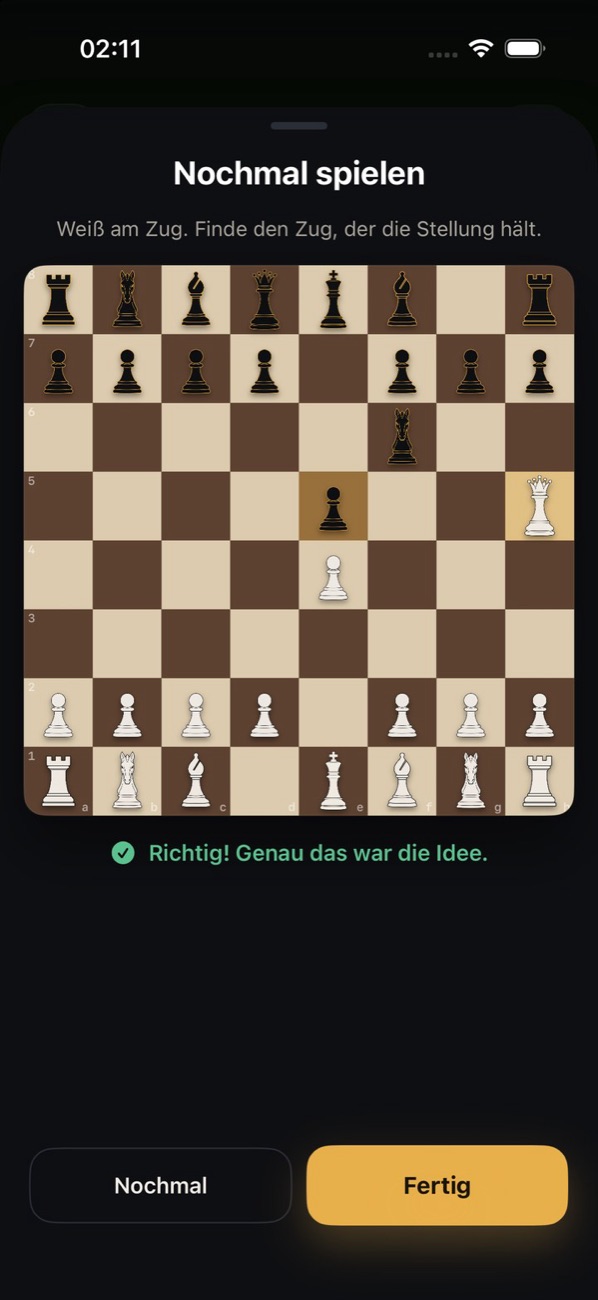
Play the decisive position again. Green means correct, otherwise an arrow shows the better move.
Five levels, from beginner to full strength. With clock, hints and takebacks.
Opening book built in. Endgame tablebases up to five pieces as an optional download.
The engine runs on your device. You only need internet for imports and downloads.
No sign-up and no limits on scans, analysis or reports.
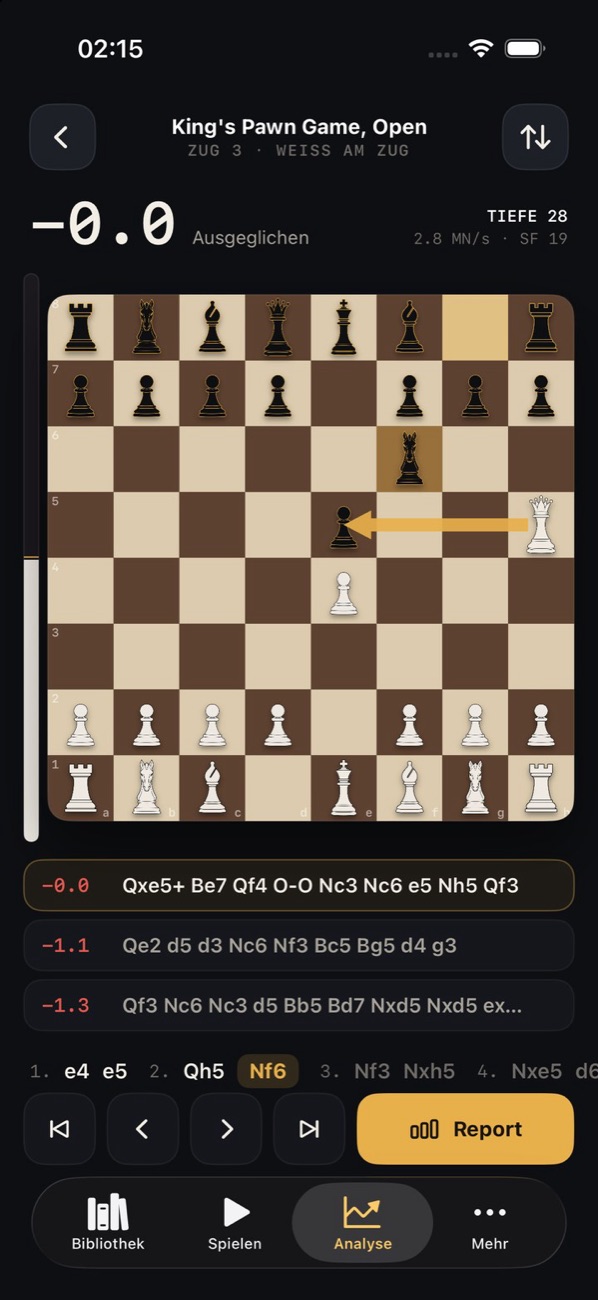
Evaluation, best move and the lines behind it. Move a piece and Stockfish analyzes the new position at once. From any scanned position you can play on, against the engine or on your own.
Screenshots, photos of a screen and diagrams from books. It works best with screenshots and straight shots that show the whole board.
No. Recognition runs entirely on your device. The photo is not sent to us or anyone else.
No. Scanning, analysis, reports and games against the engine work offline. You only need a connection to import from Lichess or Chess.com and for the optional endgame tablebases.
Yes. You do not need an account and there are no limits on scans, analysis or reports.
It is Stockfish 19 with the full neural network. At the highest level it uses the full power of your device.
iPhone, iPad and Mac. The exact system requirements are listed in the App Store.
OnyxChess for iPhone, iPad and Mac. Free and without an account.
Download free